

Summary
We’re excited to announce our KRANE Jackdaw release, which introduces workflows! This release furthermore brings some significant improvements, bug fixes, and new features. Notable features include reminder notifications, notifications by email, automatic custom_ids, hiding the tests tab, multiple workflows, relative recurring scheduling and trigger based workflows.
New Features
Trigger based workflows
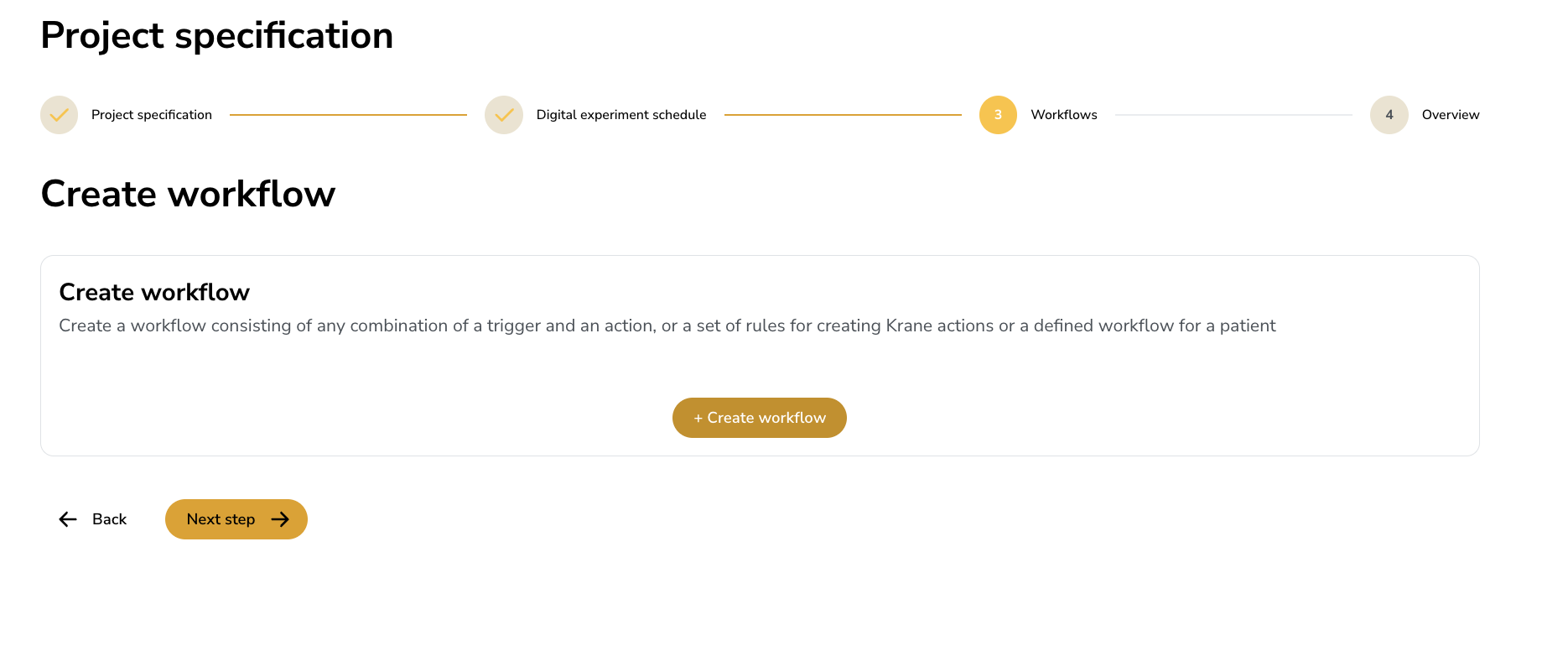
Workflows are relevant when you create a research project or care-paths. As a researcher or care organization you want to make sure that questionnaires and tests are performed at certain moments relative to or based on some trigger events like when someone started the study, started a treatment or had positive outcome on some test.
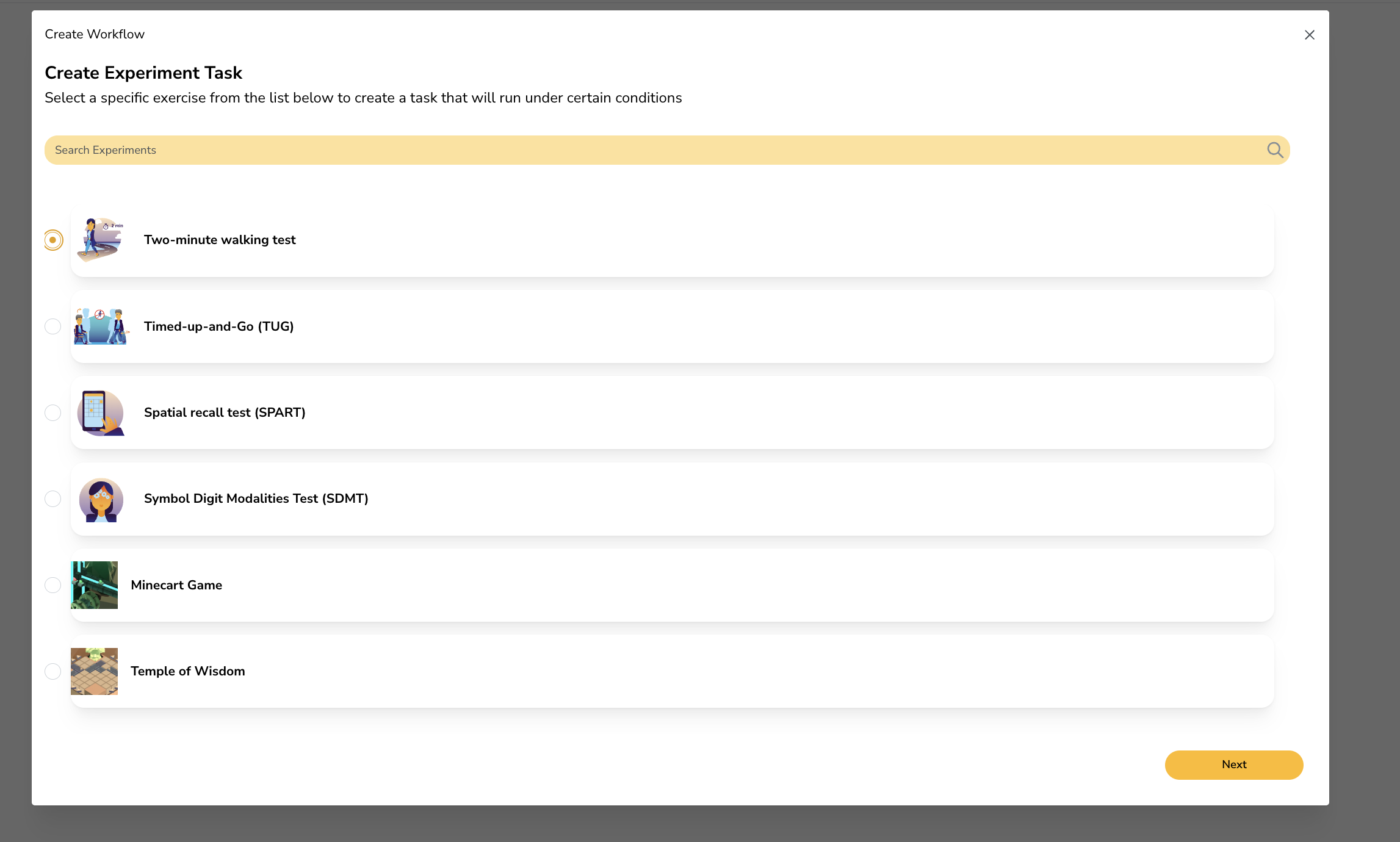
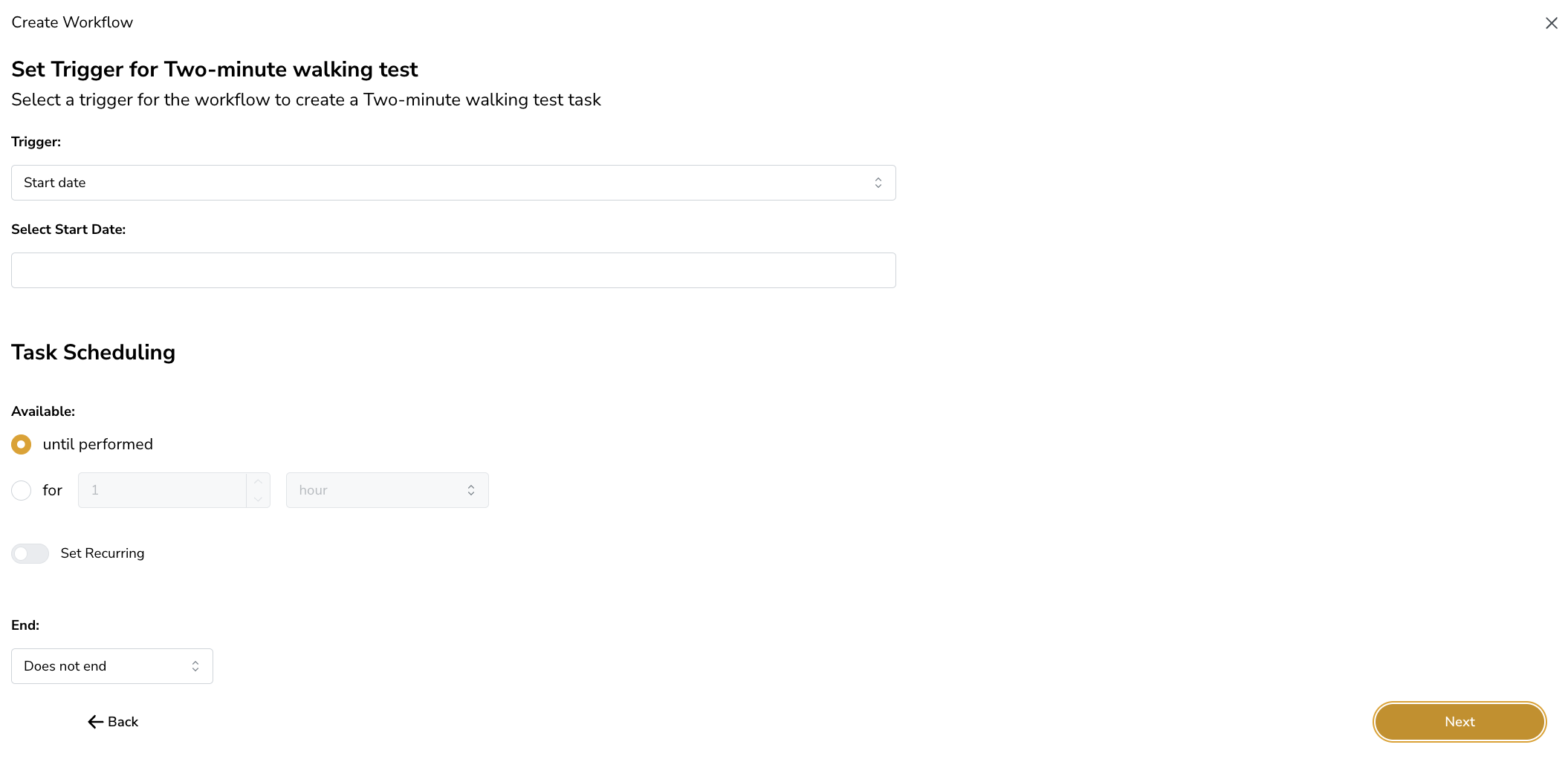
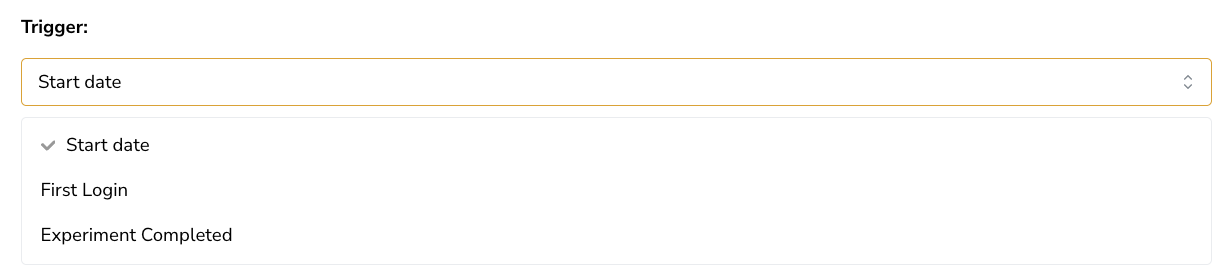
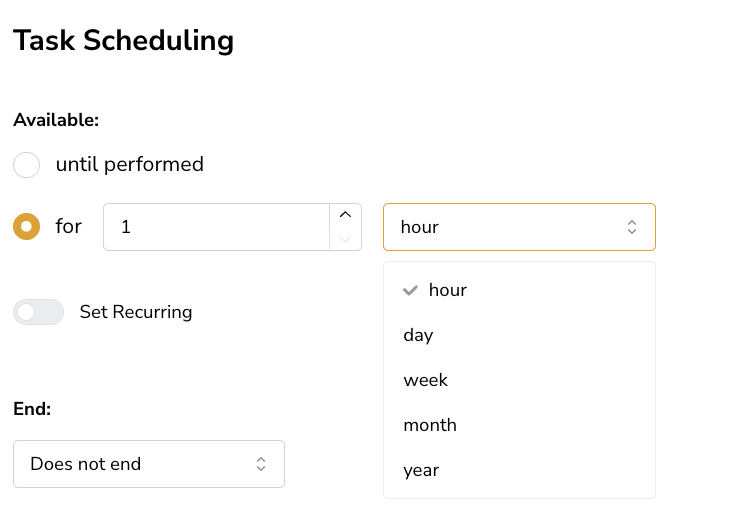
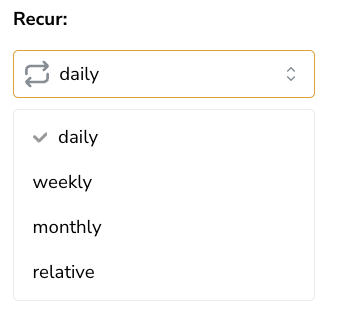
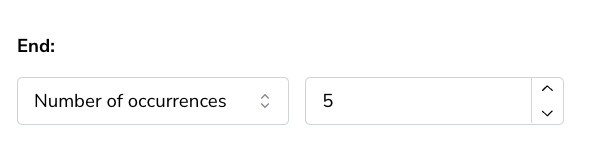
We are very proud to announce a new level of flexibility in defining when experiments like questionnaires and tests are scheduled. Now you can create workflows and add them to your project. Workflows are triggered by certain events like a user login or experiment completion and create a task in the user task list based on that. Time-based scheduling and trigger-based task creation have been integrated in workflows to create flexibility in setting up your own projects.
Relative recurring scheduling
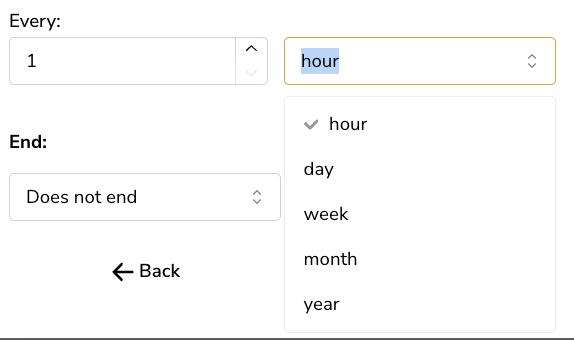
We have also added the functionality to have a fully relative schedule to the event. This comes in handy when you want to set a workflow based on an exact period after the event happened. So for example every 6 months after baseline or 5 minutes after completing a certain test.
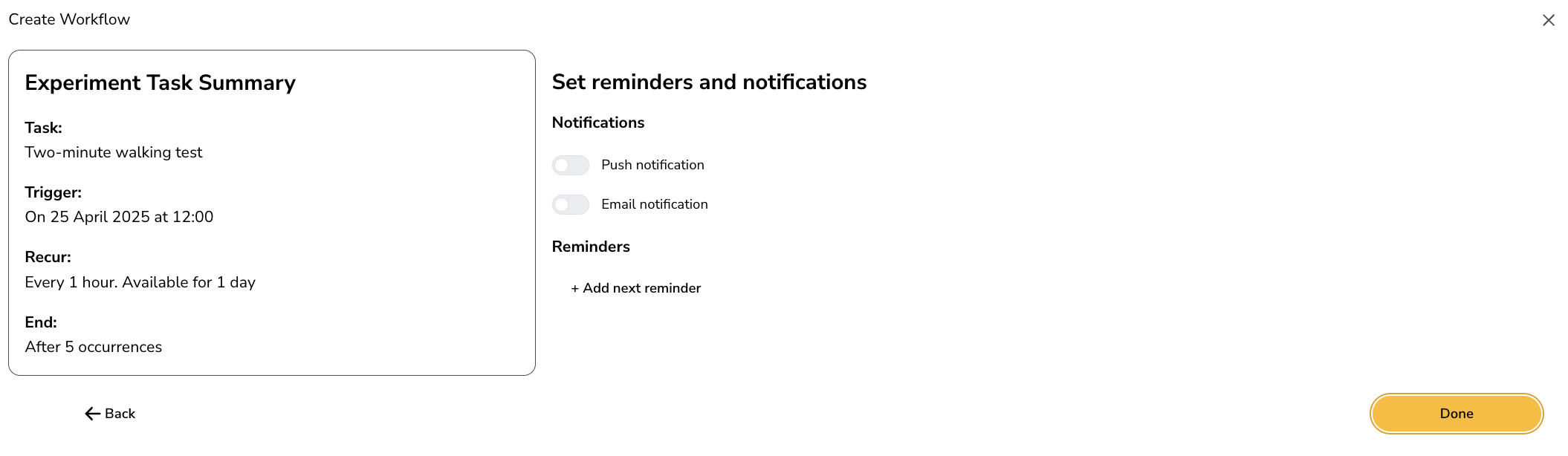
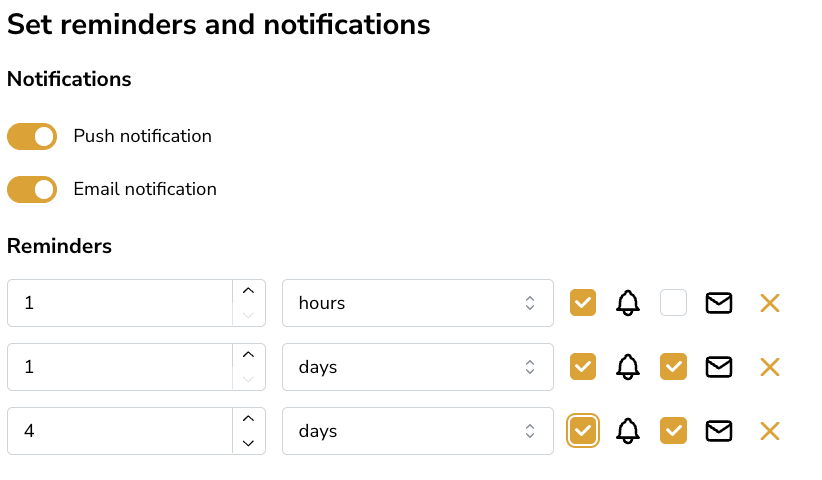
Notifications by email and reminder notifications
You can now also set email notification for the moment a task is scheduled and also add reminders - both email and push - to your tasks.
Multiple workflows
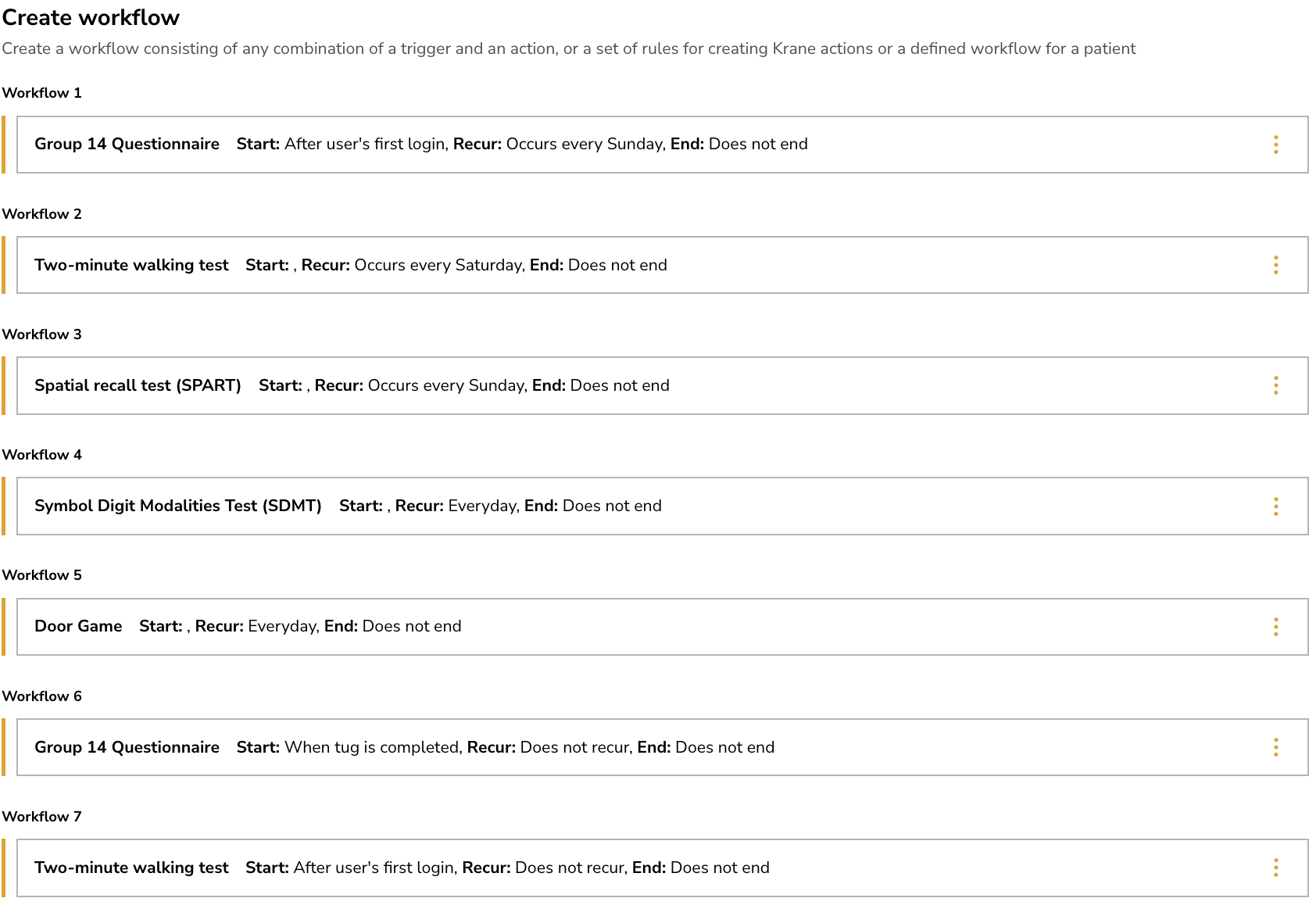
It is now possible to have multiple workflows on a certain task. The ability to add multiple schedules that result in the same task to perform an experiment gives even more flexibility in setting up optimized care-paths and studies for adherence and outcomes.
Improvements to existing features
Automatic patient_ids and hiding personal information
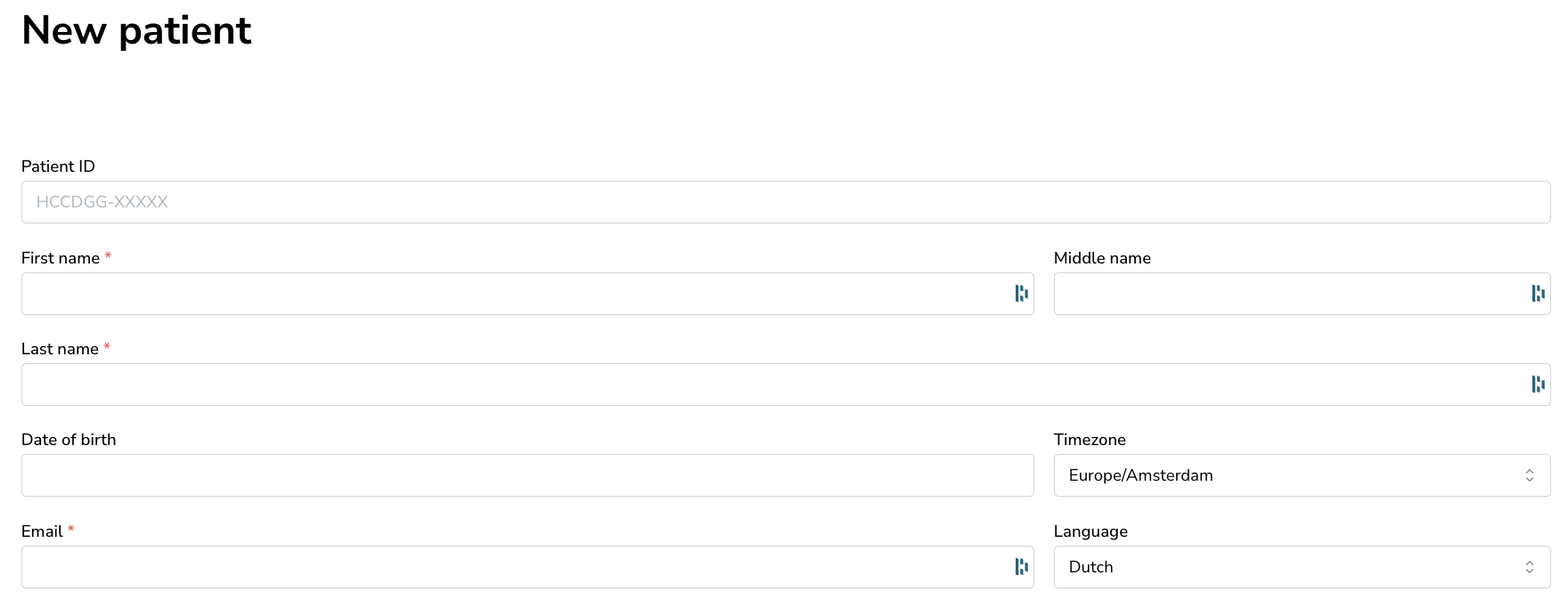
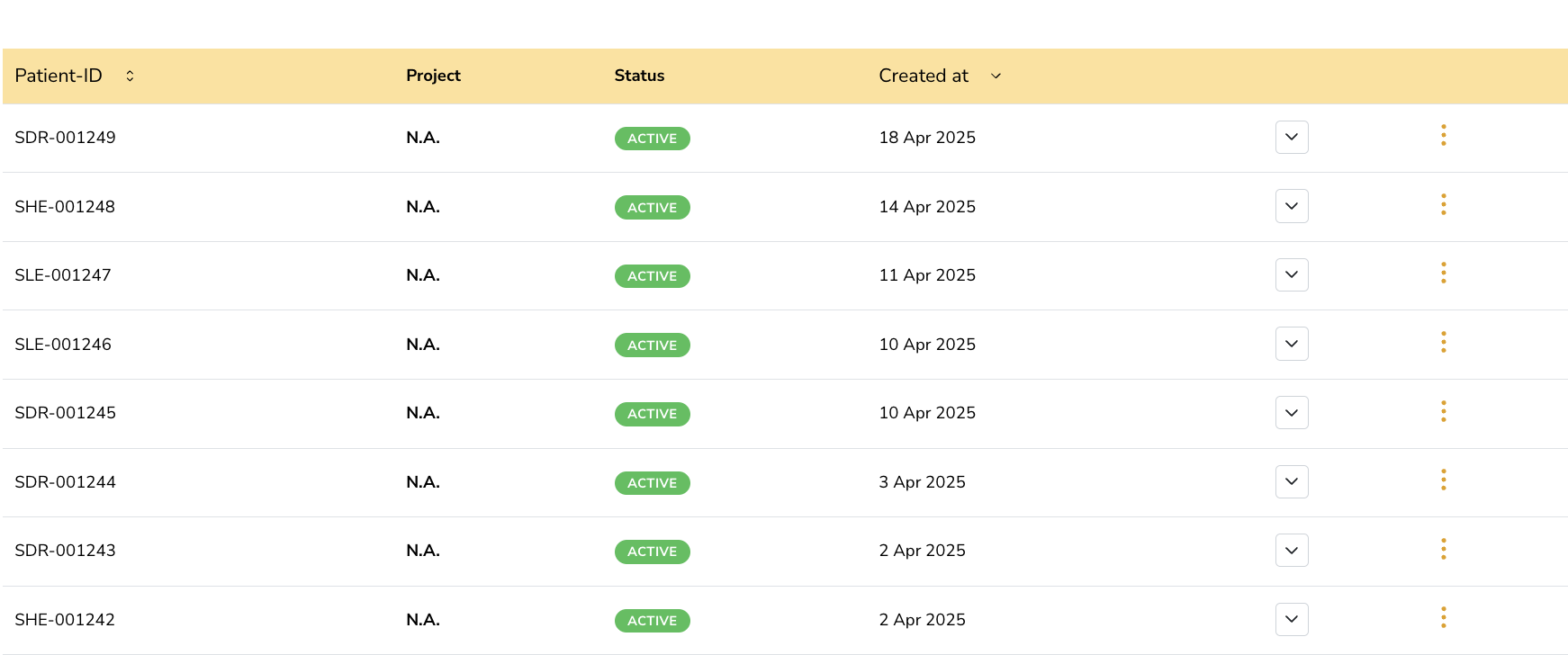
When creating a patient we now give a suggestion for creating patient IDs in a certain format. When you save a patient leaving this field empty automatically a unique code in this format is created. This helps in having an easily identifiable name without using personal information like email addresses and names.
Hiding the tests tab
An important change is that from now on in the app we are hiding the tests tab. All interaction with experiments from now on goes through the home tab. You will need to configure workflows or select always available to get a task on the task list in the home tab.
Bug fixes
Many small and bigger bugs have been fixed most notably in the emails, home screen and questionnaires.