

Summary
We’re excited to share what we’ve been building! Our latest KRANE release, Toucan (March 11th, 2026), is a major update packed with an impactful new feature: Multiple Assessments.
🚀 Assessments
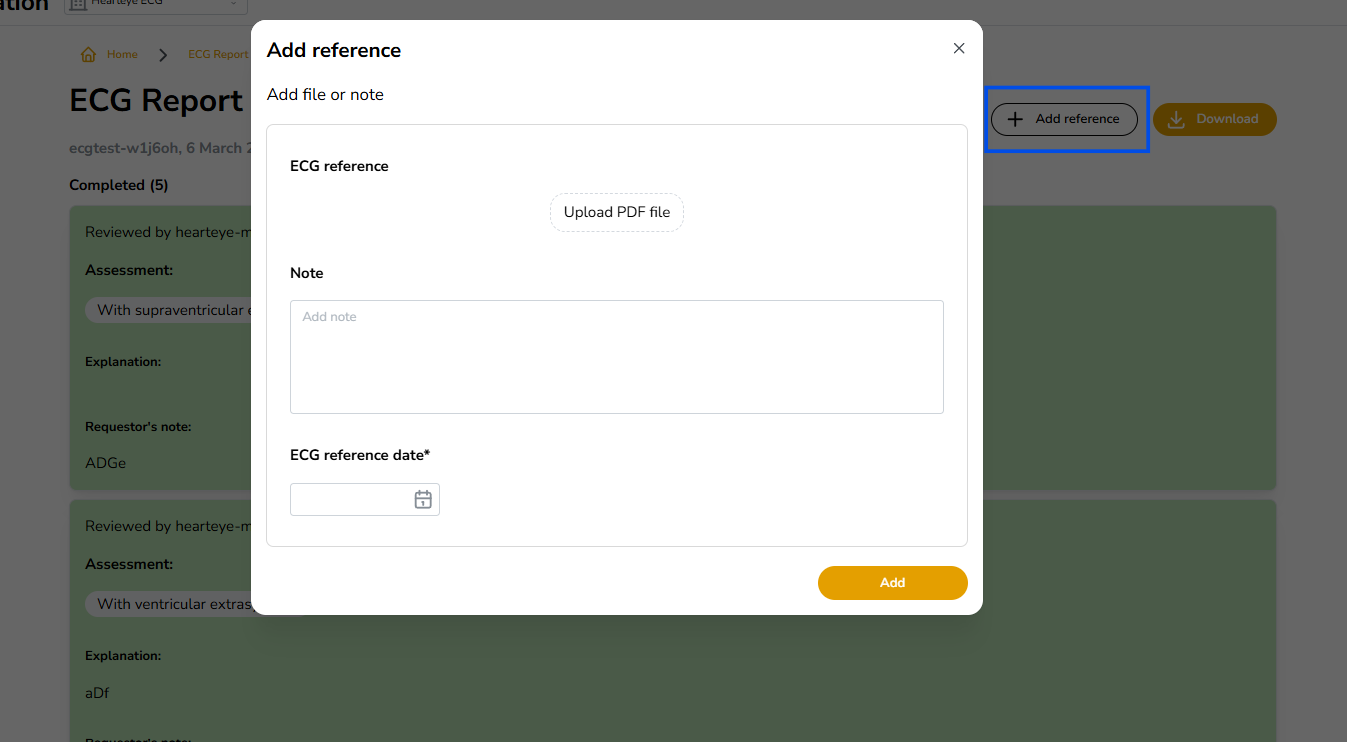
We extended the functionality for assessments. Assessments are structured judgements on a whole measurement, for example a diagnosis based on a test or measurement like an ECG. It is different from our recent functionality for annotations, because annotations are designed as labels within a signal or test. Medtech/AI clients can use assessments to validate their digital biomarkers or diagnostics with expert review and/or create ground truth data for validation. We’ve extended the current workflow with an option to request multiple assessments for results/reports (to get multiple expert assessments), an option to add and assess golden standard/ reference data (perfect for validation studies and regulatory evidence), and sped up the workflow to request assessments for results in bulk.
Request multiple assessments
Requestors can select several results and send assessment requests to multiple organizations simultaneously.
A single message can be included and shared with all selected organizations, and result statuses are automatically updated once the request is sent.
The requests are visible within the specified assessor organization, allowing Assessors to evaluate results directly through the Assessments menu. Once an assessment is completed, it disappears from the Assessor’s view and the result status is updated for the Requestor.
Also, it is now possible to select both system-generated results and manually uploaded reference results (see below) for requesting an assessment, with linking between them fully supported.
🐛 Bug Fixes
This release also includes bug fixes, enhancing overall stability and consistency across the platform.
App Store / Google Play:
EN:
Orion App:
-
Bug Fixes
Orikami App:
-
Bug Fixes
TNO App:
-
Bug Fixes
NL:
Orion App:
-
Bugfixes
Orikami App:
-
Bugfixes
TNO App:
-
Bugfixes