

1. Introduction
1.1. Purpose
This Instruction for Use provides the set of tasks required to give feedback to the Manufacturer.
2. Procedure description
Step 1: Navigate to feedback
To navigate to feedback:
-
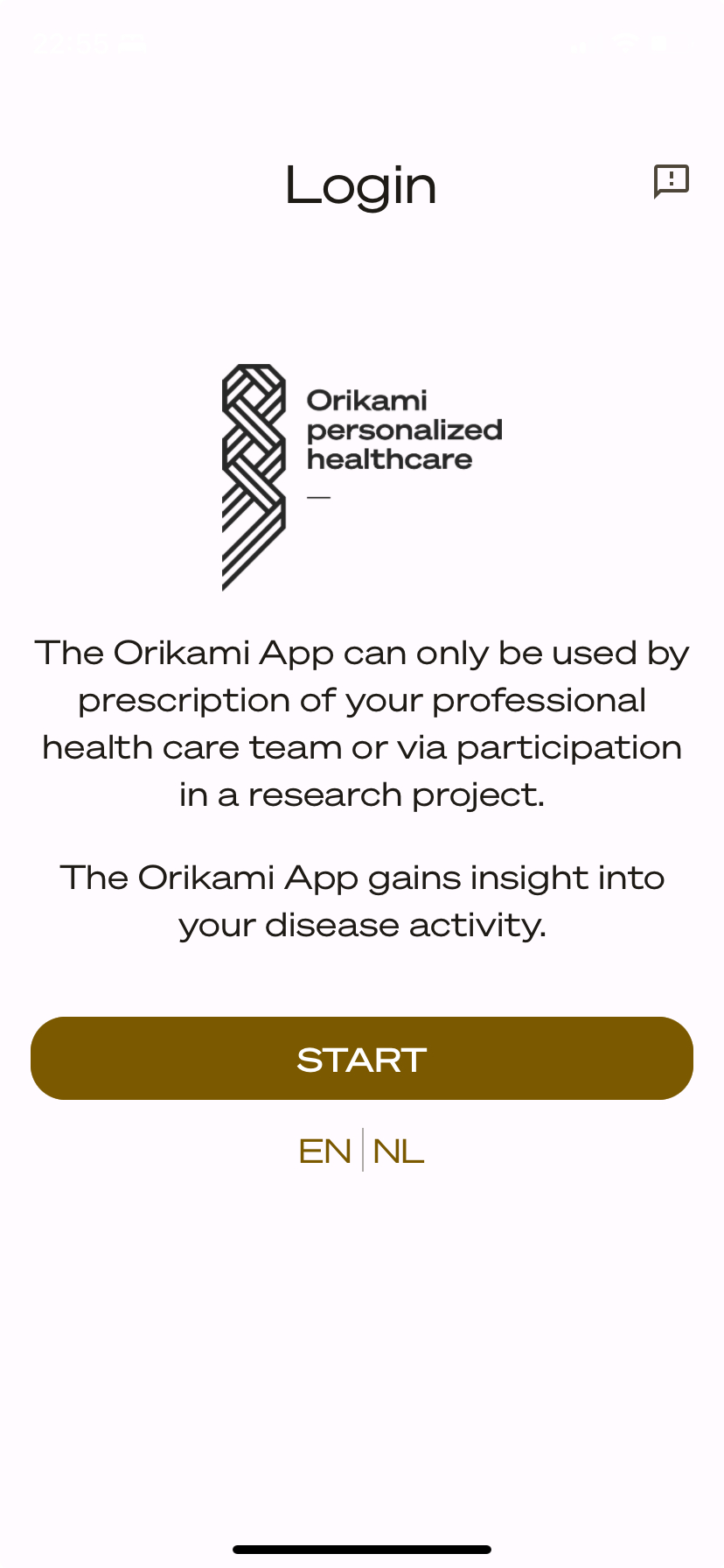
When not logged in you can navigate to the feedback screen by
-
Clicking the explanation mark in the upper right corner
-
Shaking your phone a couple of times
-
-
When logged in to the app you can navigate to the feedback screen by
-
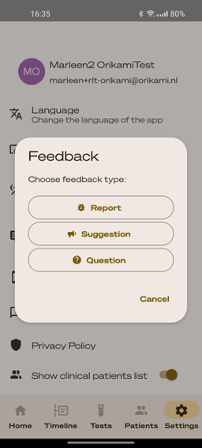
⚙️ Go to the settings in the bottom right corner, then click on "Feedback."
-
📳 Shake your phone a couple of times.
-
Step 2: Give feedback
-
🖱️ Click on the action you want to take and type your feedback.
-
⏳If the invitation is too old, you will not be able to set your password. Navigate to admin.krane.one and use the reset password procedure to receive a new invitation email
-
🖱️ Click the “Click Here” link in the welcome email to set your password.
-
⏳Use the "Forgot Your Password" procedure if your invitation has expired.
Step 3: Response
💬 You will receive a response within 2 working days.