

1.1. Purpose
The purpose of this manual is to explain the operation of the FHIR questionnaire builder used to create your own questionnaires.
2. Questionnaire Builder
To use a questionnaire in your product, you first have to create it and upload it through the API in KRANE. This must be done in a standard format (FHIR) so that the system understands how to visualize the questionnaire.
The FHIR specification defines Questionnaires:
A structured set of questions intended to guide the collection of answers from end-users. Questionnaires provide detailed control over order, presentation, phraseology and grouping to allow coherent, consistent data collection.
2.1 Step 1: Create your questionnaire
Building Your Questionnaire
To build any questionnaire, use the following 🔧 Tool: Builder
-
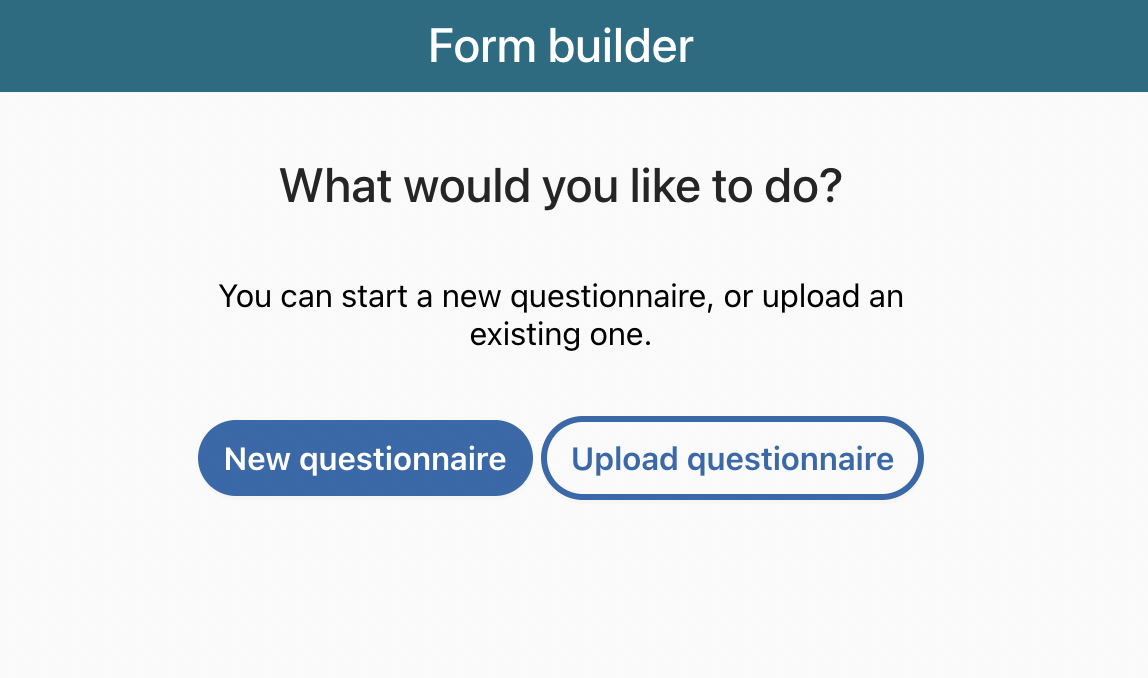
Click New Questionnaire
-
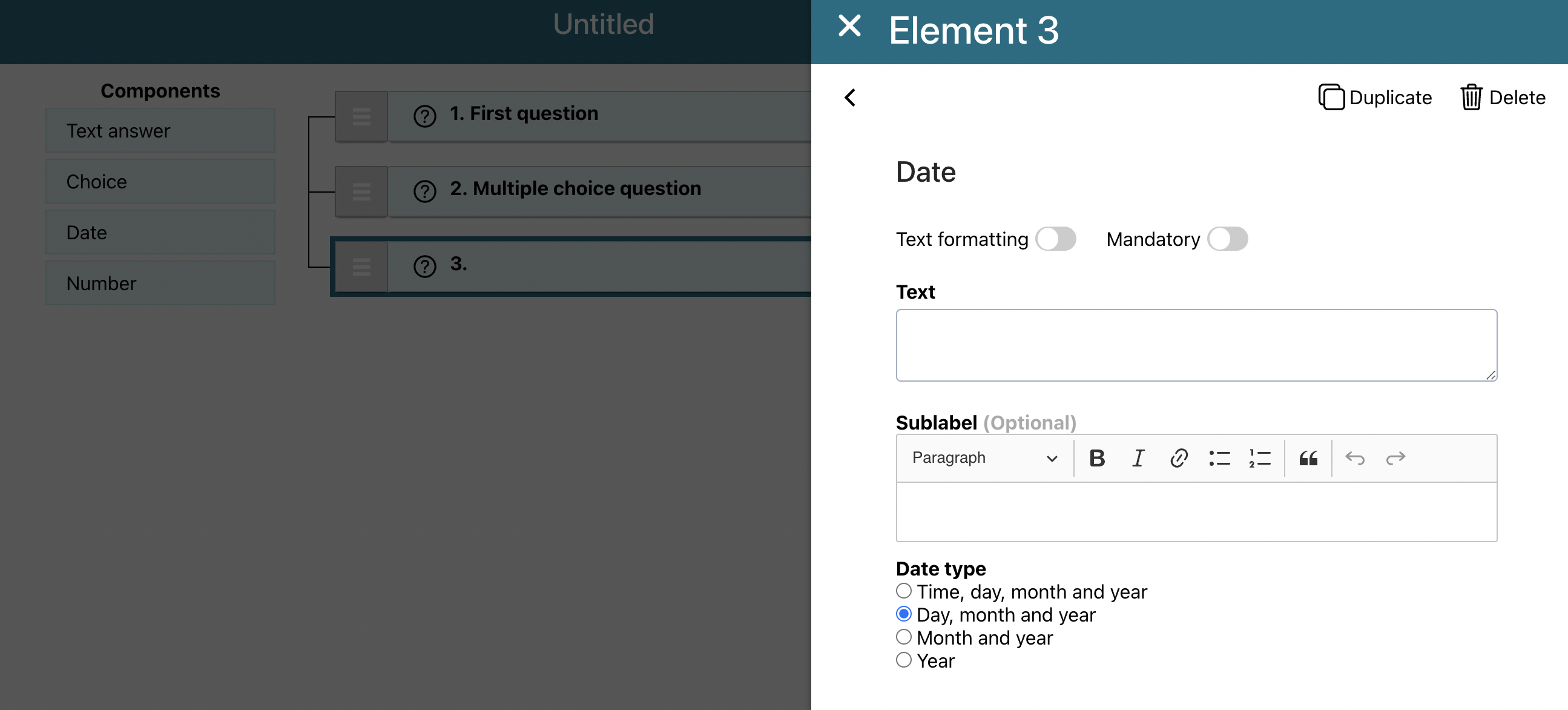
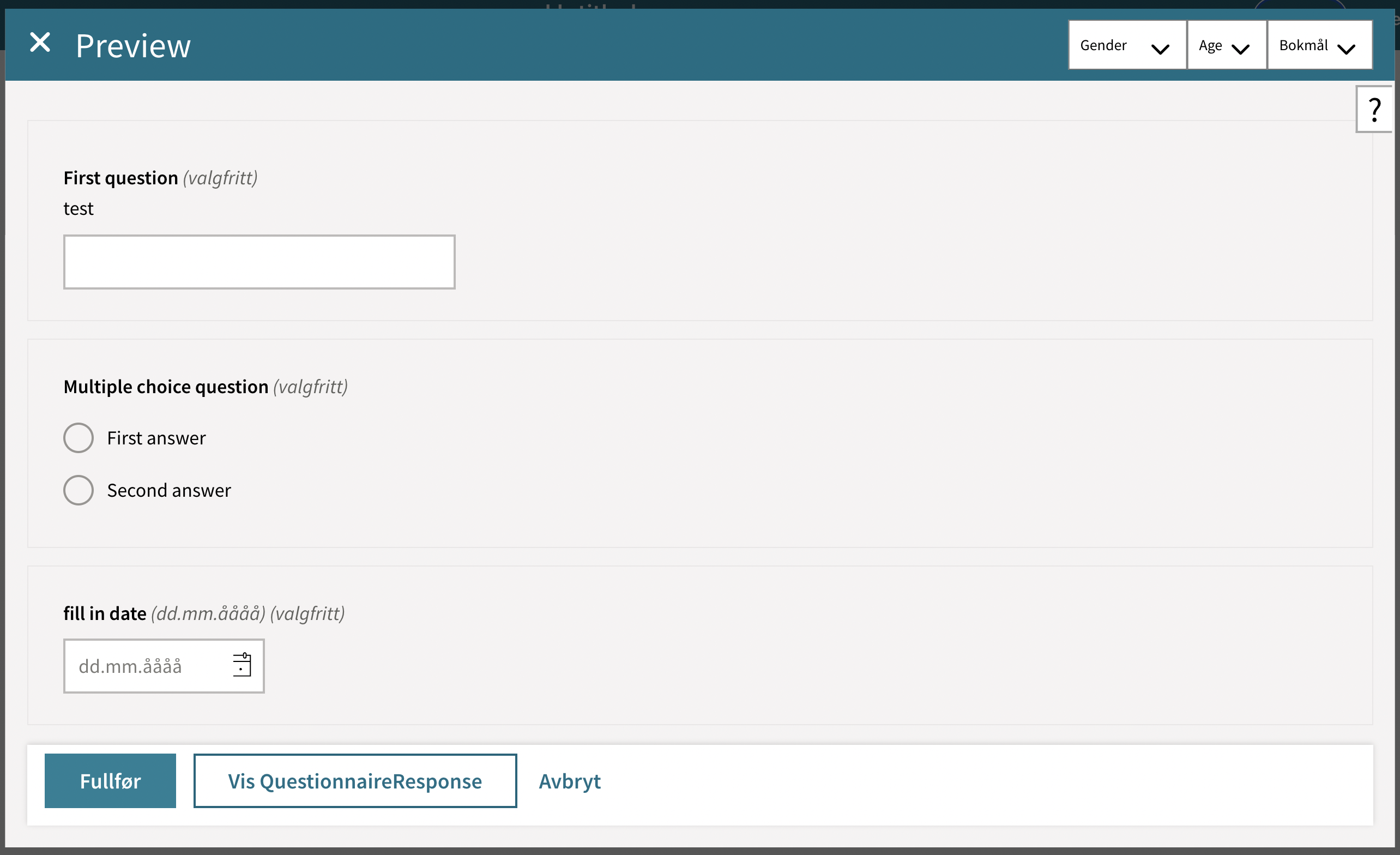
Create your questionnaire by using the interface to design your questionnaire. Ensure that each question and response option is properly defined according to your needs. Please ignore the nordic language and “gender, age and bokmal” in the top-right corner when you preview.
-
Click Save and you get the JSON file (FHIR) to download.
2.2 Step 2: Create an API access token and find project_ID
-
You can get your API token through the management dashboard; see step 1 of MP-04 Download data through API.
-
Look up your project_id by going to https://admin.krane.one and edit your project. In the address bar you can find the project_id of the project you want to upload the questionnaire to.

Look up the project_id by editing the project. The number selected is the project_id
2.3 Step 3. Uploading the questionnaire
Uploading the Questionnaire
Once your questionnaire is built and exported in FHIR format, you need to upload it via a POST request with the JSON content to the Questionnaire/FHIR API endpoint.
To call the API:
-
Go to https://gateway.krane.one/api-docs/#/ to view the API docs. Here you can see which URL you need to use and which parameters you need to include in your API call.
-
Edit your JSON file to include the projectId, change the default language watch out to (a hyphen instead of underscore as in en_US). Put the entire JSON-code in brackets “fhir: {….}” and preceded this with projectId and language as in the example on Swagger.
-
Create a script that upload the questionnaire using a POST request to the Questionnaire/FHIR API endpoint.
Here you can find an example JSON scripts for reference:
Important Notes
-
Disclaimer: The questionnaire builder procedure has been designed for internal Orikami use and is for us a first step in bringing self service to questionnaires and EMA assessments through the KRANE management dashboard. This means that error messages on the relevant APIs and the whole procedure are not tested to be comprehensive or for use by external parties. Please contact support@orikami.nl when you need help or are in doubt if everything went right - we can check the logs and database.
-
Ensure FHIR Compliance: Make sure your JSON structure adheres to the FHIR standards. Each question item should have a
linkId,text, andtypedefined. -
Use Appropriate Tools: Utilize tools like Postman or cURL to make the POST request if you are doing it manually. Alternatively, integrate the API call within a script
-
We support the dutch and english language in the app, please use the
en_USornl_NLlocales. -
Most advanced features (Advanced settings section in Structor) are not support at this time.
-
Validation and routing (enable when) should mostly work but has not extensively been tested. Failures with certain edge cases are to be expected.
By following these steps, you can effectively create and upload FHIR-compliant questionnaires to the KRANE platform, ensuring they are properly visualized and utilized within your product.