
1. Introduction
1.1. Purpose
This Instruction for Use provides the set of tasks required for a potential participant to sign up for a study and create an account through the self-enrollment page.
1.2. Roles & Responsibilities
Potential study participants can use the self-enrollment page to sign up for a study and create an account. After account activation, participants can access the app and participate in the study.
2. Procedure description
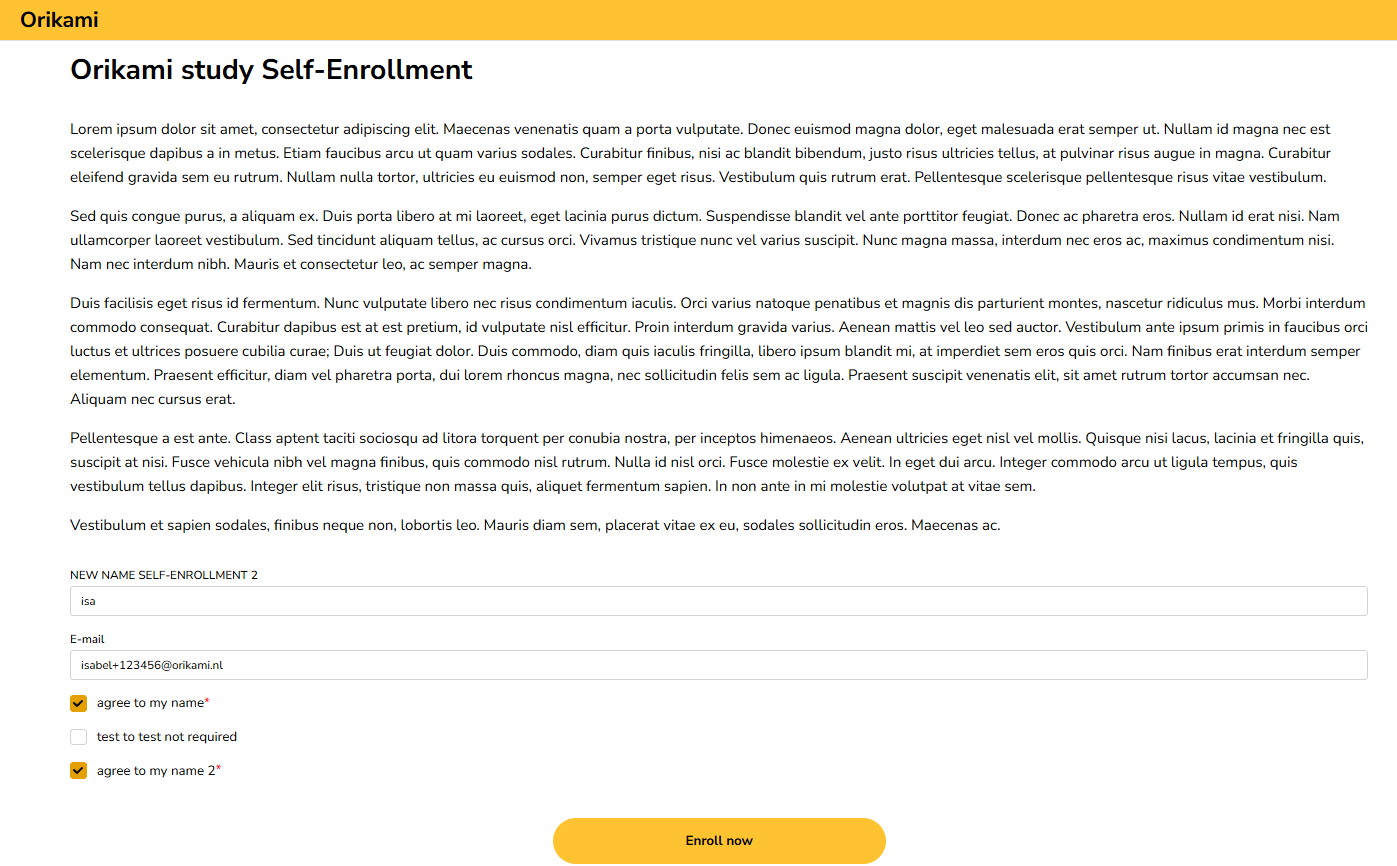
Step 1: Access the self-enrollment page
To access a study through self-enrollment:
-
🔗 Open the self-enrollment link provided for the study.
-
📋 The self-enrollment page will display the study information and relevant content configured for the project.
-
🔓 No authentication is required to access the self-enrollment page.
-
🎨 The page will use the branding configured for the study.
Step 2: Sign up for the study
To create an account and sign up for the study:
-
👤 Enter your name.
-
📧 Enter your email address.
-
✅ Submit the registration form.
-
💾 The information provided during registration will be saved as entered by the participant.
Step 3: Activate your account
After signing up:
-
📧 You will receive an activation email containing a link to confirm your email address.
-
🌐 The activation email will be displayed in English or Dutch, depending on the browser language settings used when completing the registration.
-
👋 The email will include a welcoming header.
-
🔗 Click the activation link in the email to confirm your email address.
Step 4: Set your password
After confirming your email address:
-
🔐 Set a password for your account.
-
✅ Complete the account activation process.
Step 5: Access the study
Once your account has been activated:
-
📱 Log in to the app using your email address and newly created password.
-
🎓 You can access the study and participate in the activities available to you.